
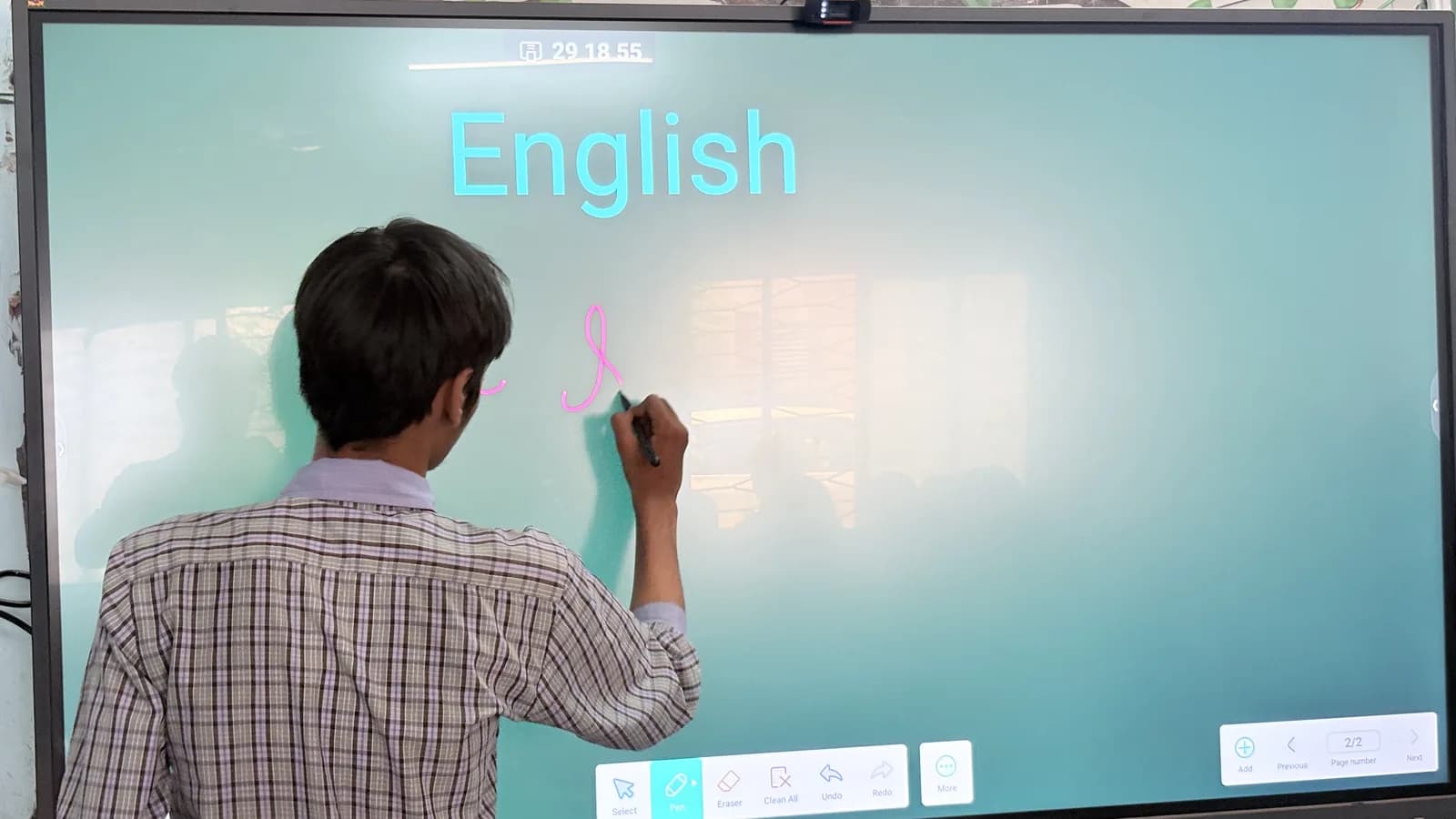
Almost every school prospectus in the country now mentions smart classes. Very few of them say what that means, and a parent has no way of telling the difference between a room with a projector in it and a room where the teaching has genuinely changed.
So rather than claim a category, here is what the boards in our classrooms actually do on an ordinary Tuesday.
The Textbooks Are Already Inside the Board
Every book and every chapter is loaded onto the board. A teacher does not carry a copy to hold up, or ask forty students to find page 143 and wait while half of them do not have the book with them.
The page goes on the screen at a size the back row can read, and the lesson starts. It sounds like a small thing. Across a year it returns a great many minutes to actual teaching.
A Test, Written on the Spot
The board can generate a short test on the topic the class has just finished — not one prepared last week for a different group, but one built around what was actually covered in that period.
This is the feature that has changed the most about how our teachers work. A misunderstanding that would once have surfaced in the unit test three weeks later now surfaces in the last ten minutes of the lesson that caused it, while the teacher is still standing there and the class still remembers the explanation.
Video Without the Advertising
The boards give teachers access to YouTube with the advertising stripped out.
Any teacher who has tried to show a two-minute clip about volcanoes to a classroom knows why this matters. The value is not the video. It is that the lesson is not interrupted by an advertisement, and that the class is not offered a wall of unrelated recommendations at the end of it. The teacher shows the thing they meant to show, and then goes back to the lesson.
Pictures That Could Not Be Drawn
The boards can generate images on request — a cross-section of the human heart, the layers of the earth, a diagram a teacher describes in a sentence.
Every teacher has stood at a blackboard producing a lopsided approximation of something, apologising for it, and asking the class to imagine the rest. A biology teacher can now put an accurate cross-section on the screen in seconds, label it by hand in front of the class, save the annotated version, and bring it back for revision in February.
What a Smart Board Does Not Do
It does not teach. That is worth saying plainly, because the marketing around this equipment tends to imply otherwise.
What the board does is remove friction — the copying, the waiting, the redrawing, the hunting for a resource. What fills the space it clears is a teacher with more attention to give. A board in a room with a poor lesson plan produces a poor lesson on a larger screen.
How Many, and Where
We started last year with four boards, placed in common rooms so that any teacher could bring a class along and use one.
They were booked out quickly, and teachers began asking for boards in their own classrooms. That demand is what justified this year's purchase of twenty-six more — one of our largest investments of the year.
Where that leaves us today, precisely:
- Every section of Classes 9 to 12 has a smart board.
- Selected sections in the other classes have them.
- The common rooms still have theirs, and are still in use.
Thirty boards in total. That is not every classroom in the school, and we would rather say so than let the phrase "smart campus" do work it has not earned. We are continuing to invest until every class has one.
Where This Is Heading
CBSE's Computational Thinking and AI curriculum reaches Classes 3 to 8 this session, and the two developments fit together more neatly than we planned — with one caveat worth repeating from that post: most of the work at the younger end is deliberately screen-free, and should stay that way. A board is a tool for a teacher, not a substitute for a child thinking with their hands.
If you would like to see one in use, visitors are welcome. Please contact the school office to arrange a time, and we will show you a lesson rather than an empty room.